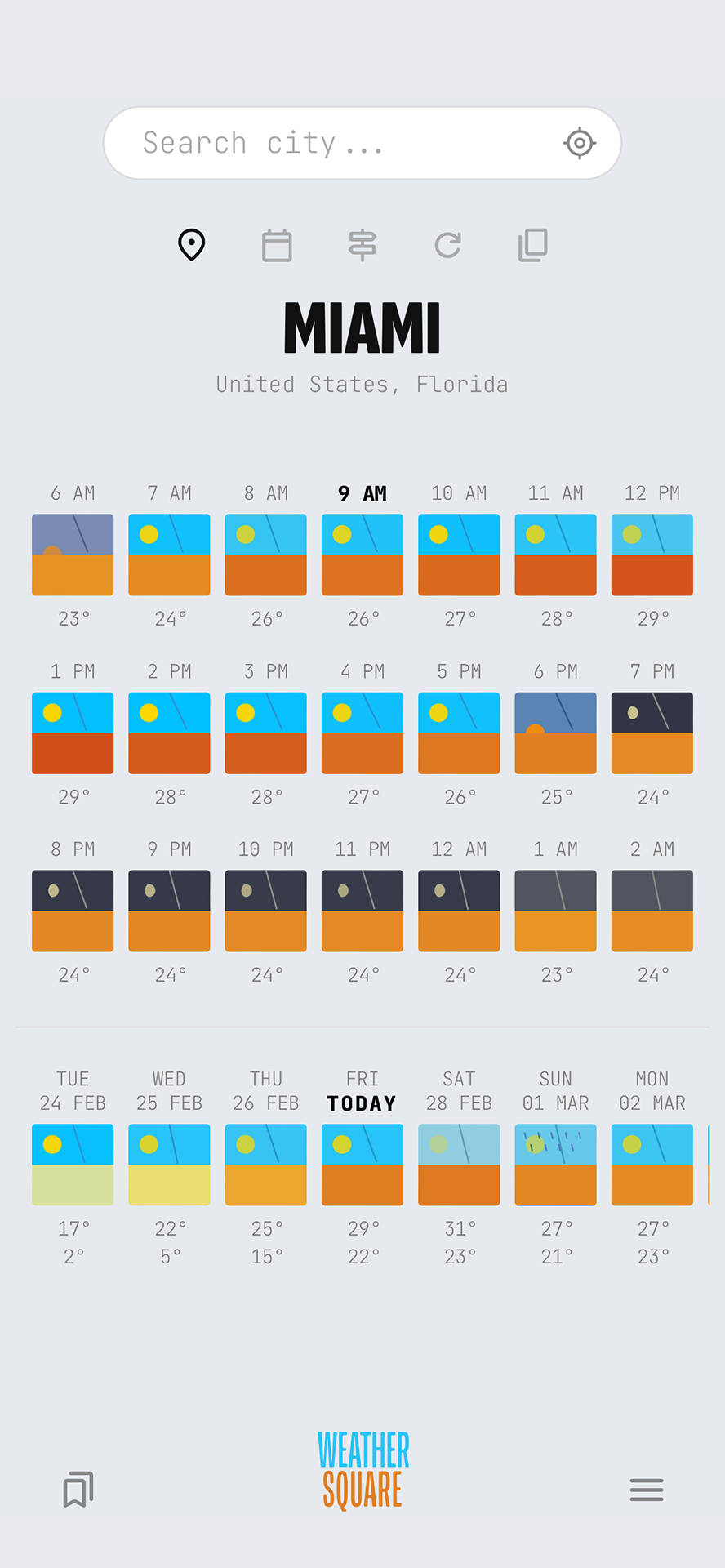
A minimalist, intuitive, and contextual weather visualization platform uniquely designed to provide high-resolution information of past and future conditions at a glance. No overload. No accounts. No tracking. No ads.
Unlike existing weather graphics that can be too complex or too simplistic, Weathersquare finds the perfect balance by showing only what matters for everyday use, in an intuitive visual language, without losing data resolution.
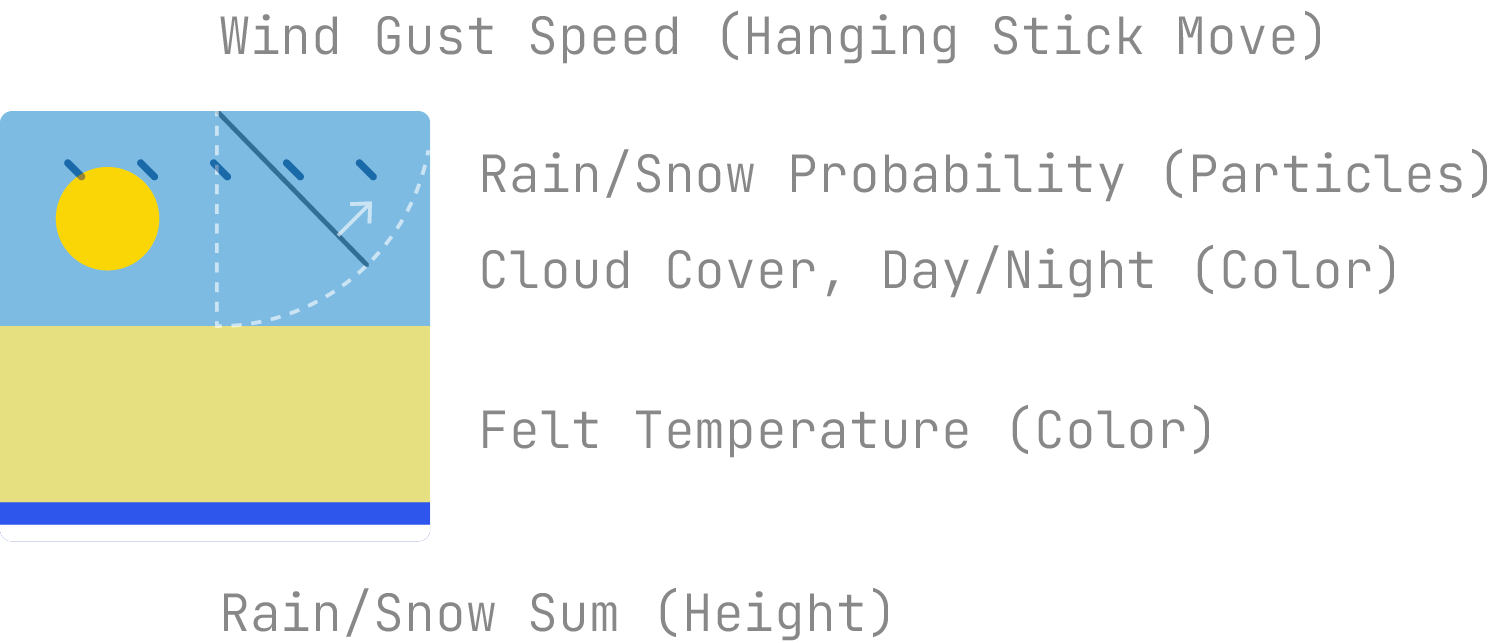
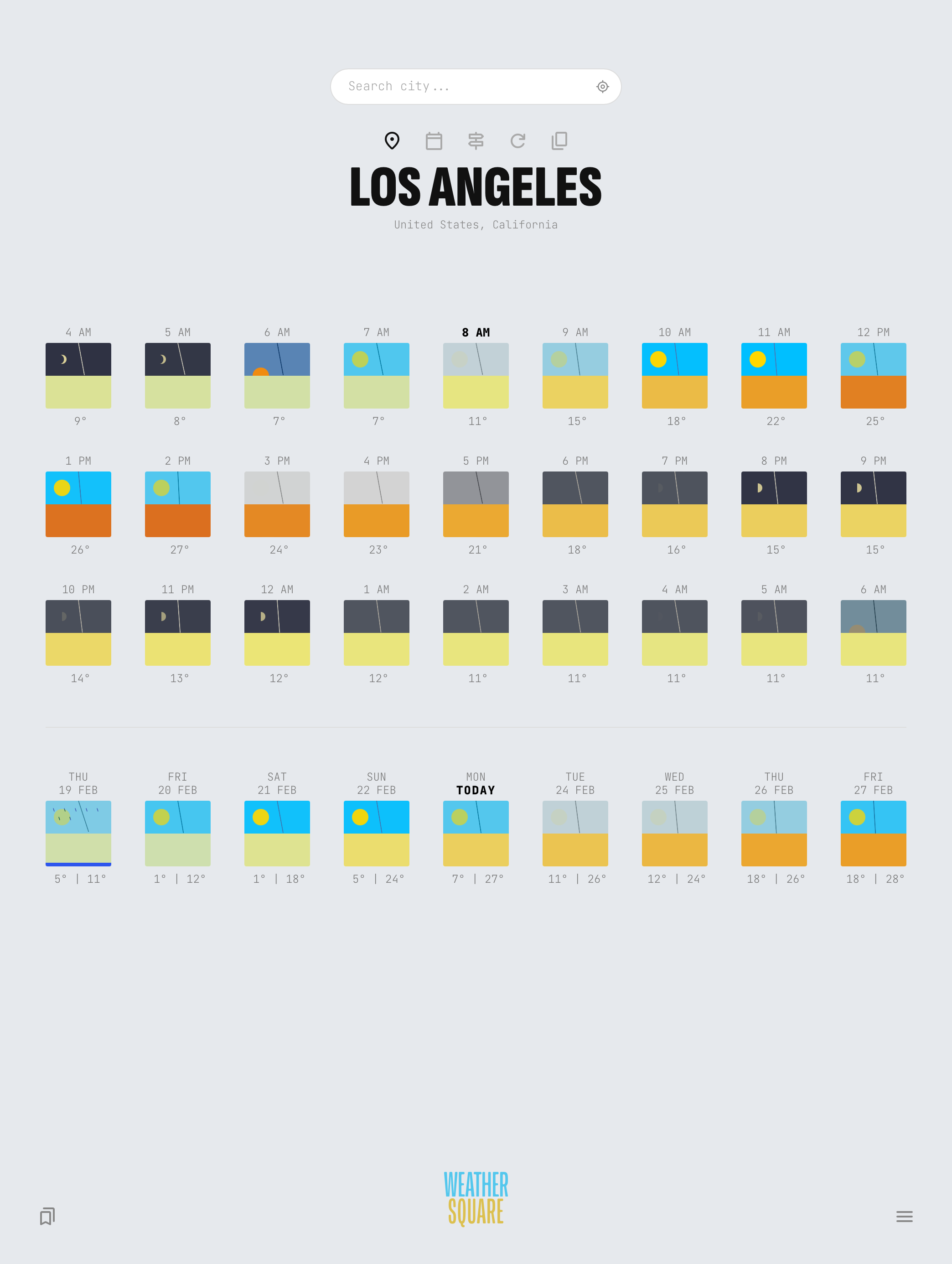
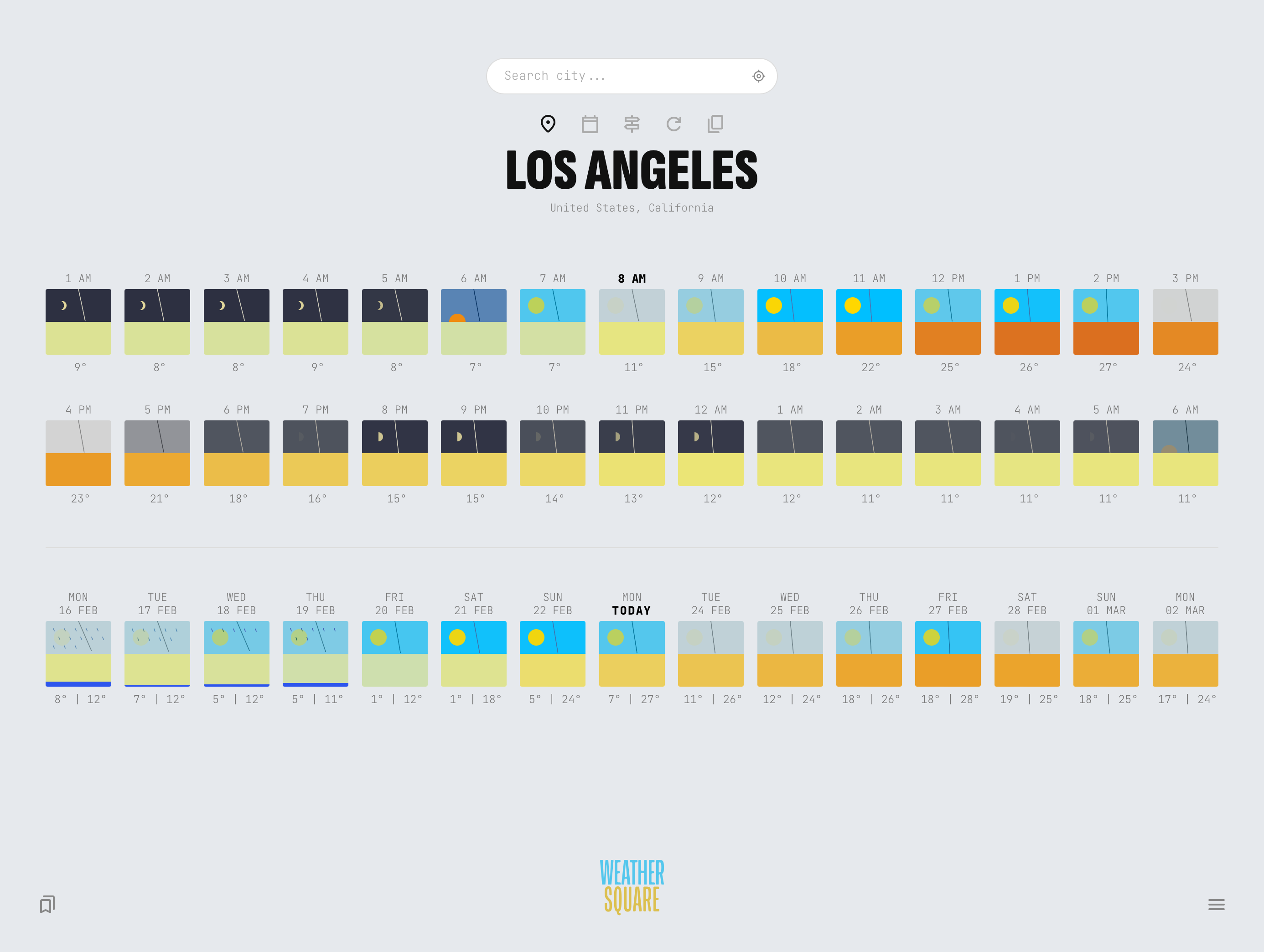
Weathersquares show cloud cover percentage, sunset-sunrise times, precipitation probability and rain/snow sums, felt temperature, and wind gust speed – all in one modular graphic instead of separate graphs. Seeing the past few days or hours within the same visual system allows us to get a true experiential reference.
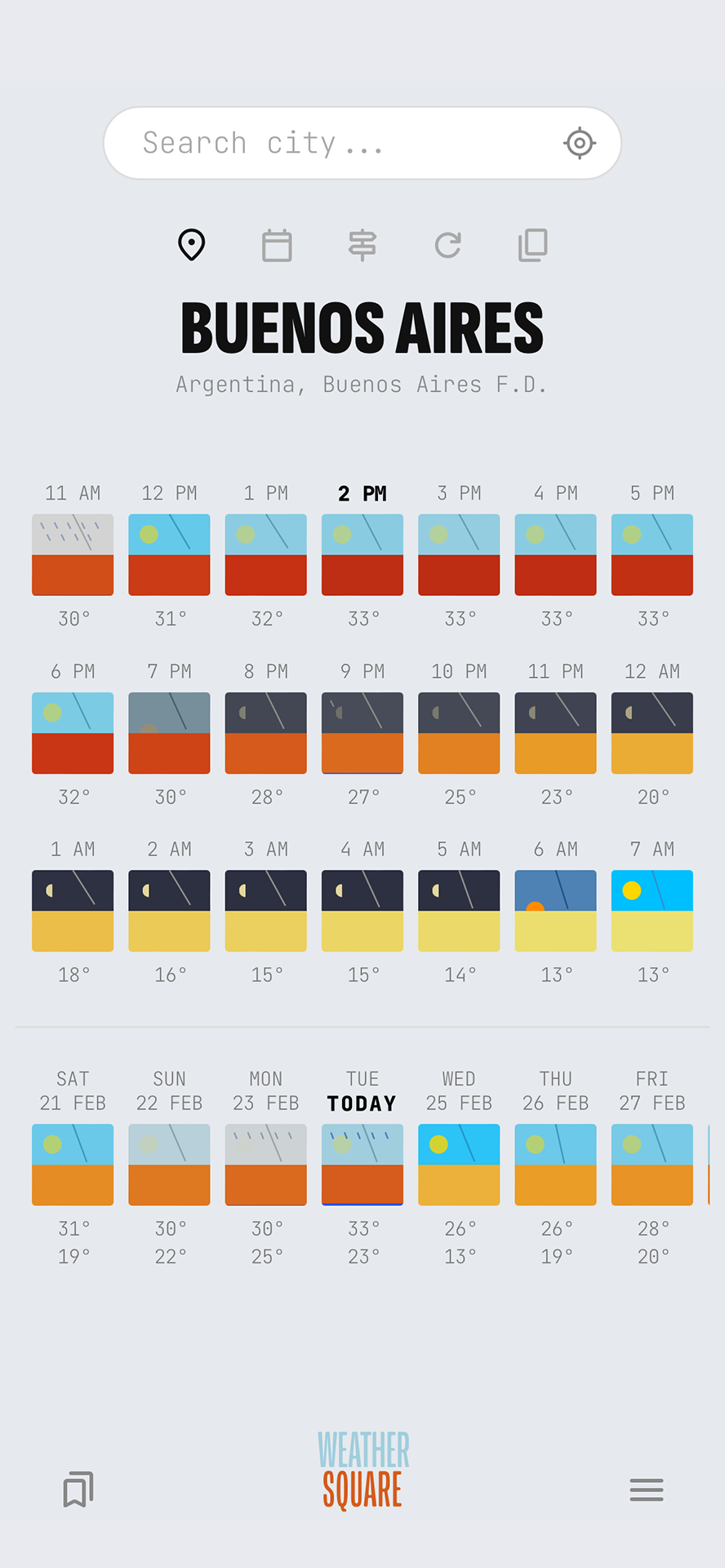
When you need more than just a glance, tap on any square to reveal the animated Detail Panel providing the specific metrics that define the hour or day.
Detail panels are available in the Single City standard view. Detail panels for daily squares are available in the Pro version.
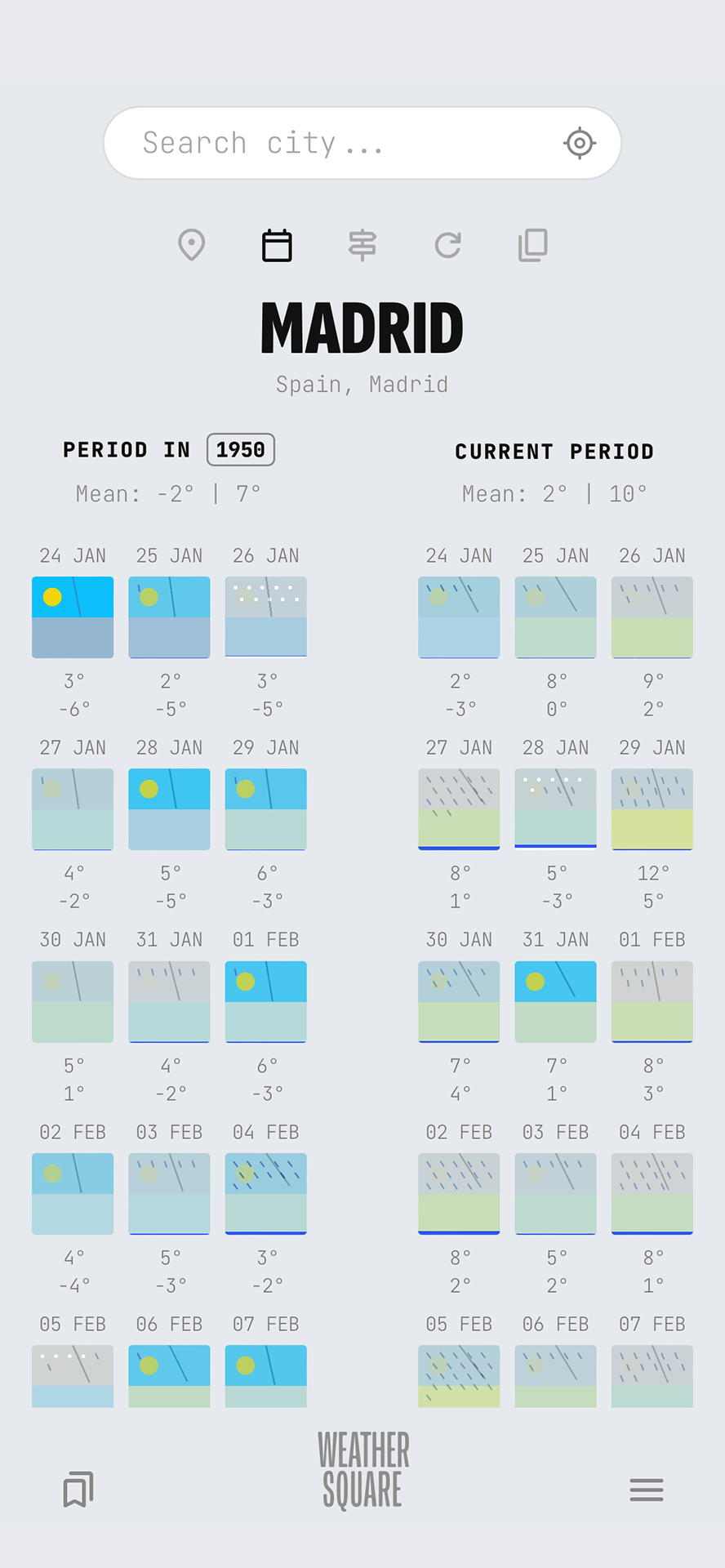
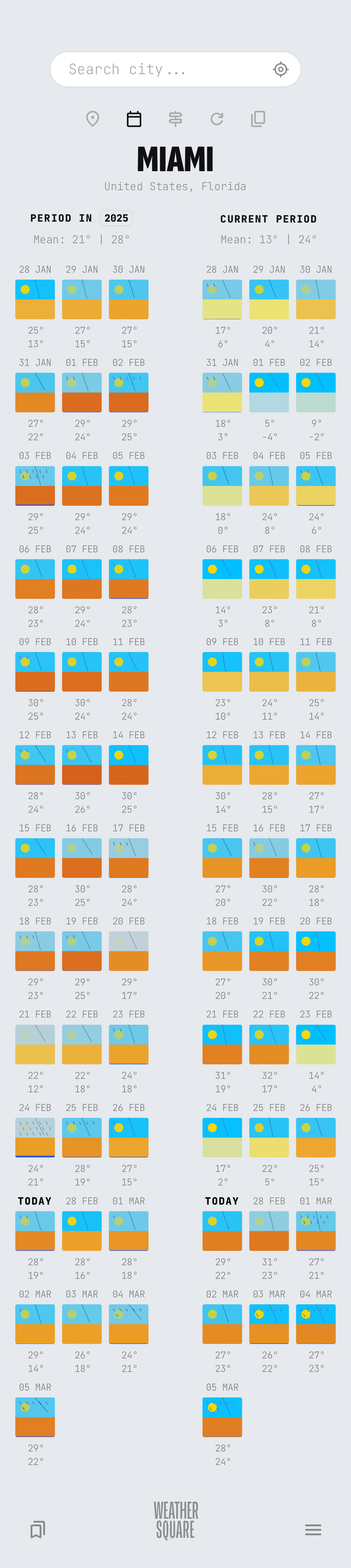
With Compare Past, you can easily compare the current weather of your city with this time last year or decades ago.
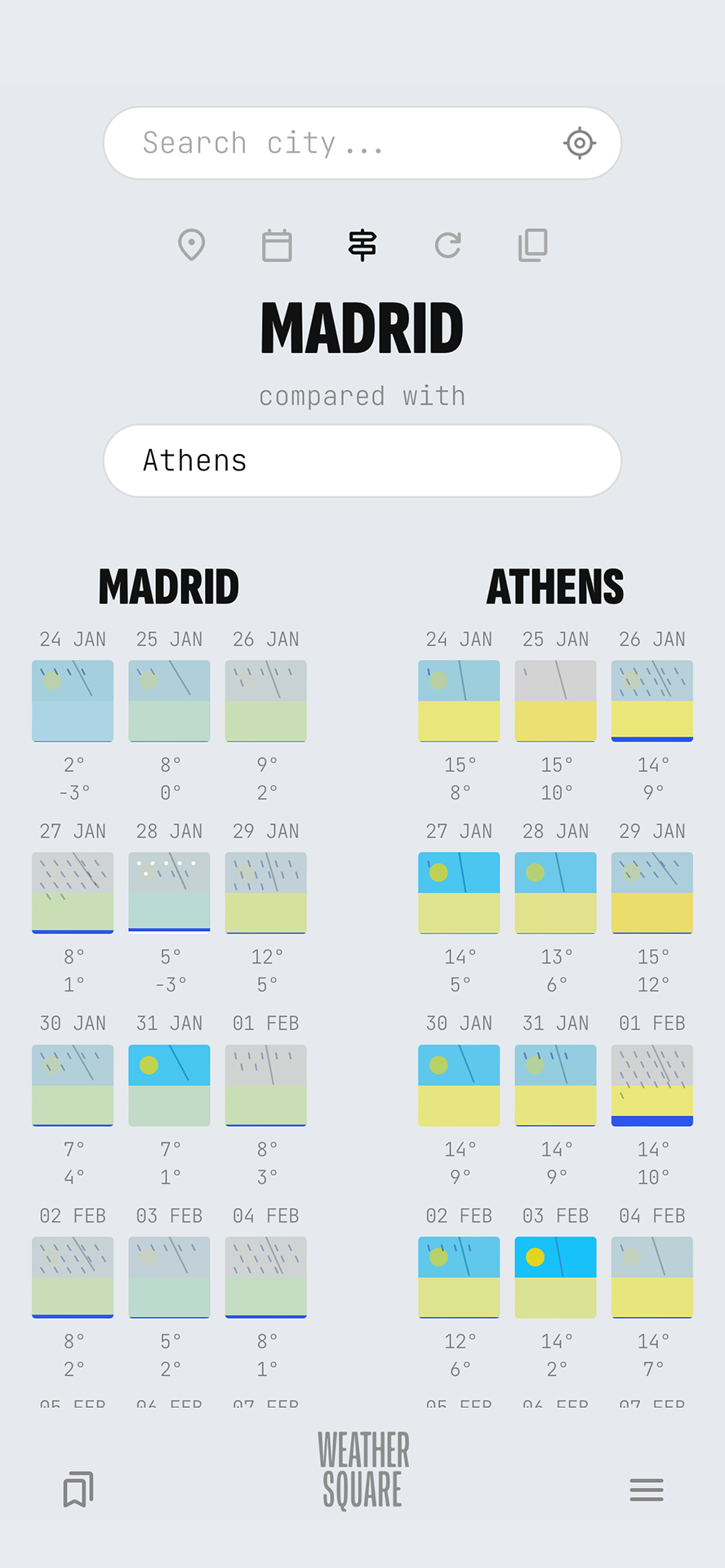
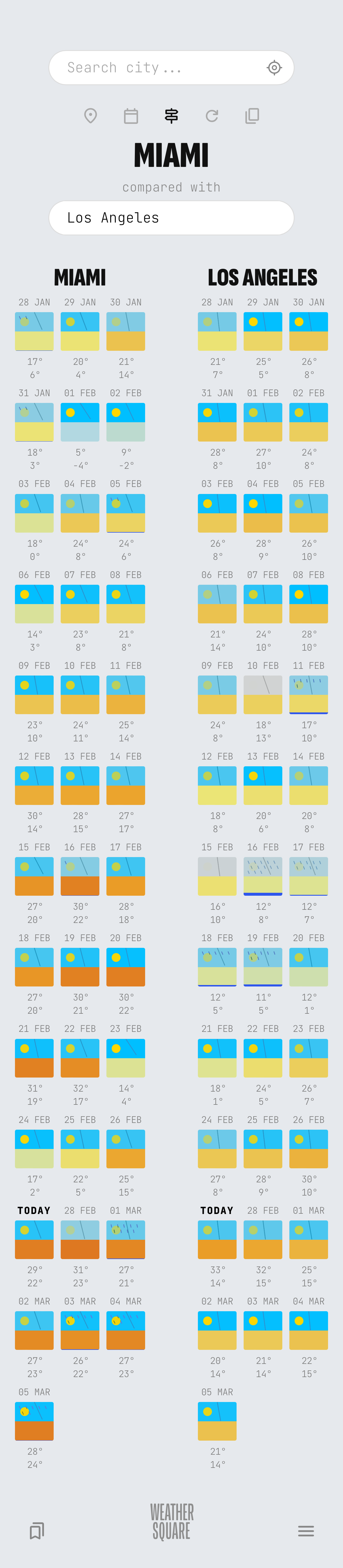
With Compare Cities, you can easily pull up the weather timelines of two distinct locations side-by-side.
Compare the long-term weather and daylight experiences (“atmospheres”) of different cities perfectly to plan your travels or relocation without guessing how drastic a climate difference will be.
Available in the Pro version
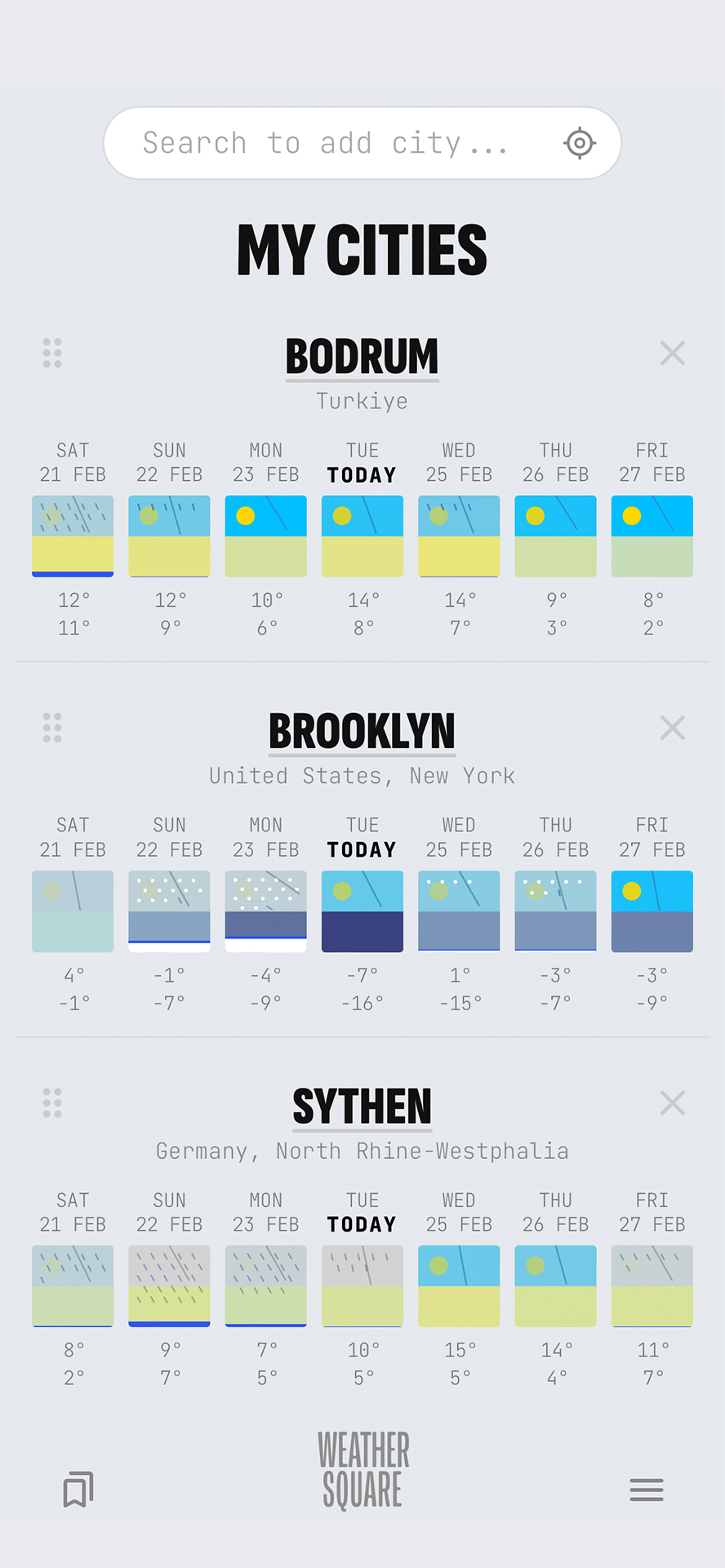
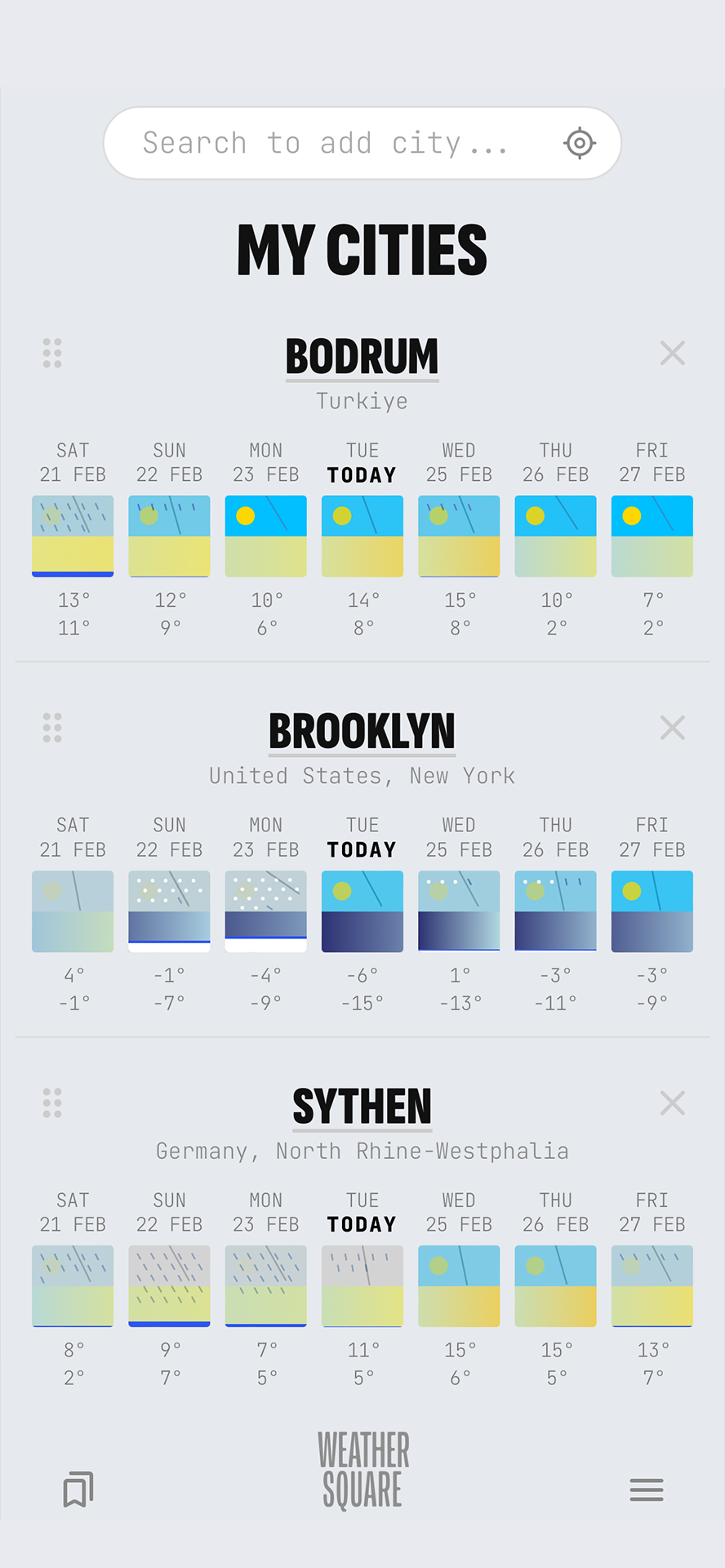
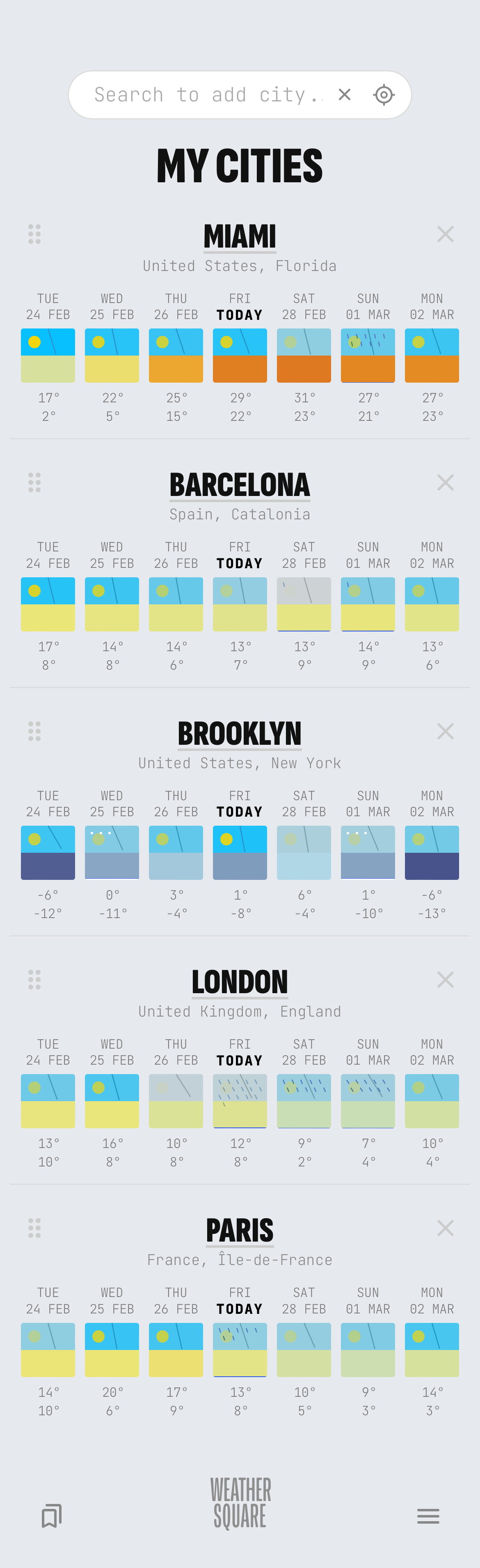
Keep your most important locations at your fingertips. The My Cities view provides a high-level overview of the current conditions across all your saved spots. Quickly reorder, add, or remove cities to create your personal global weather dashboard.
Available in the Pro version
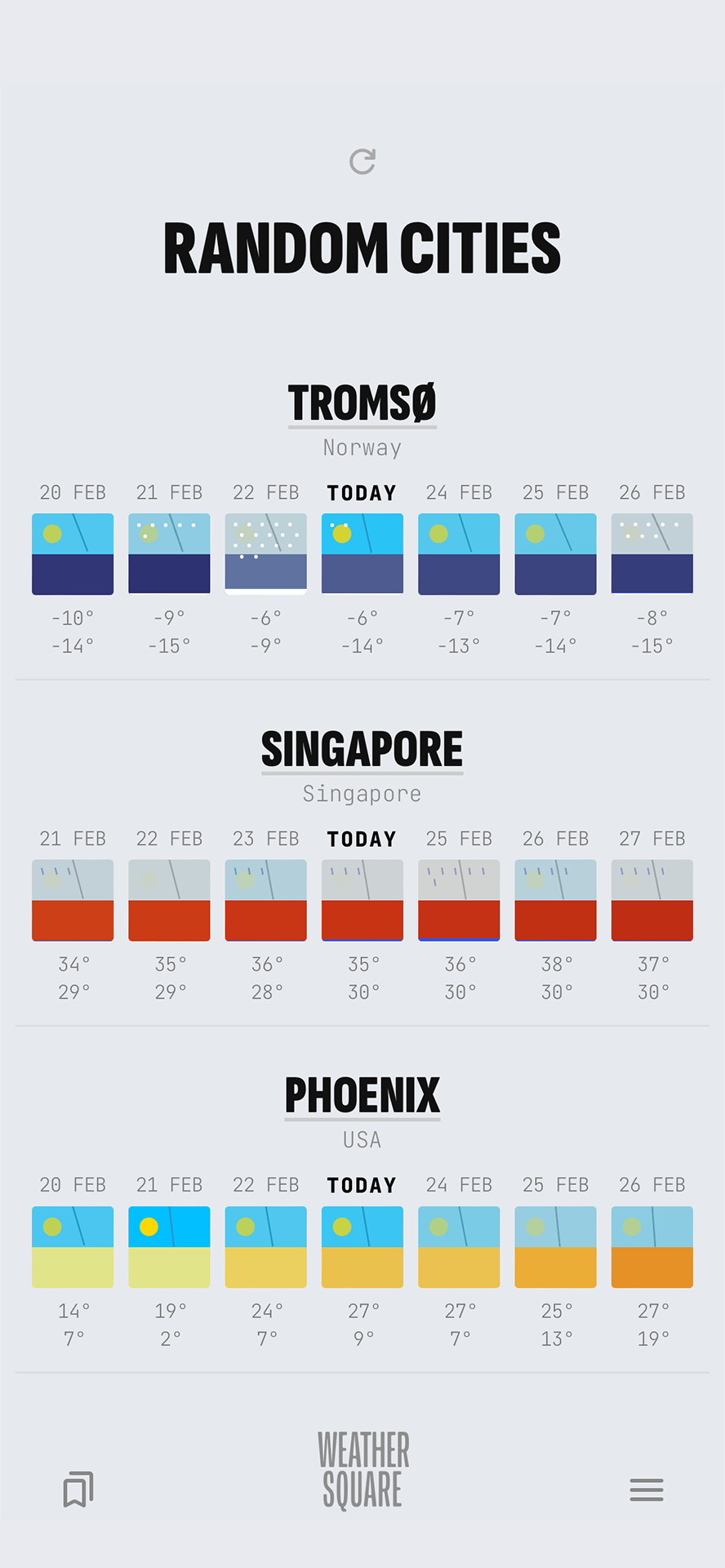
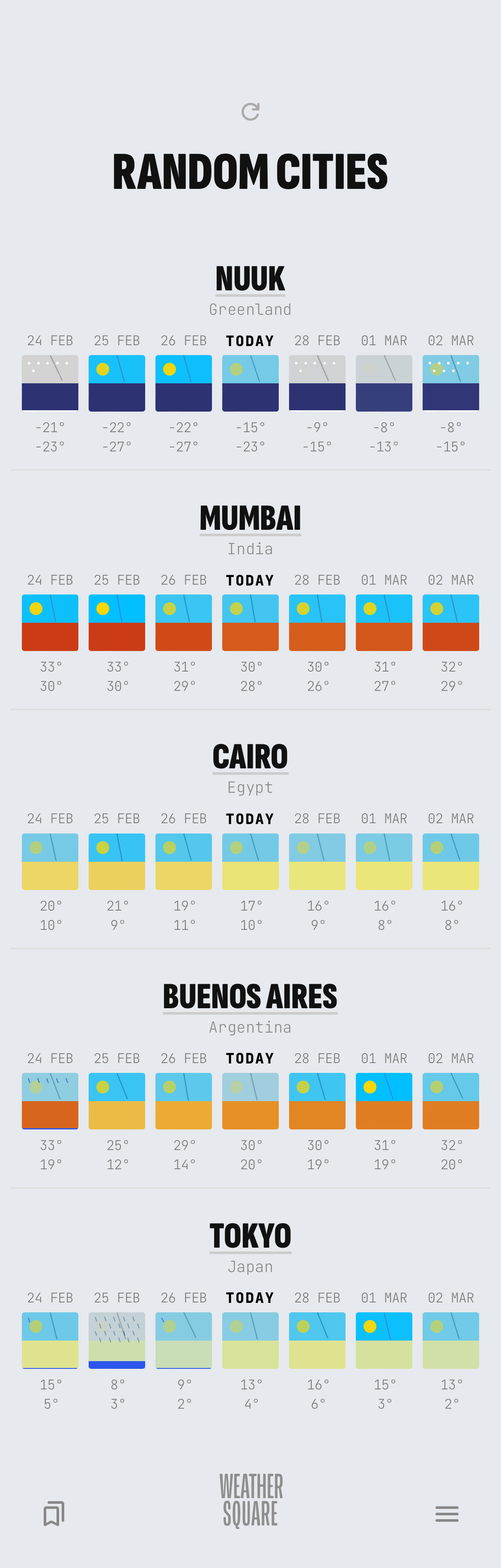
Tap into the Random Cities explorer to discover what the weather is like in various corners of the globe.
All visual parameters are normalized to use global scales, ensuring every weathersquare from Arctic towns to desert cities is comparable.
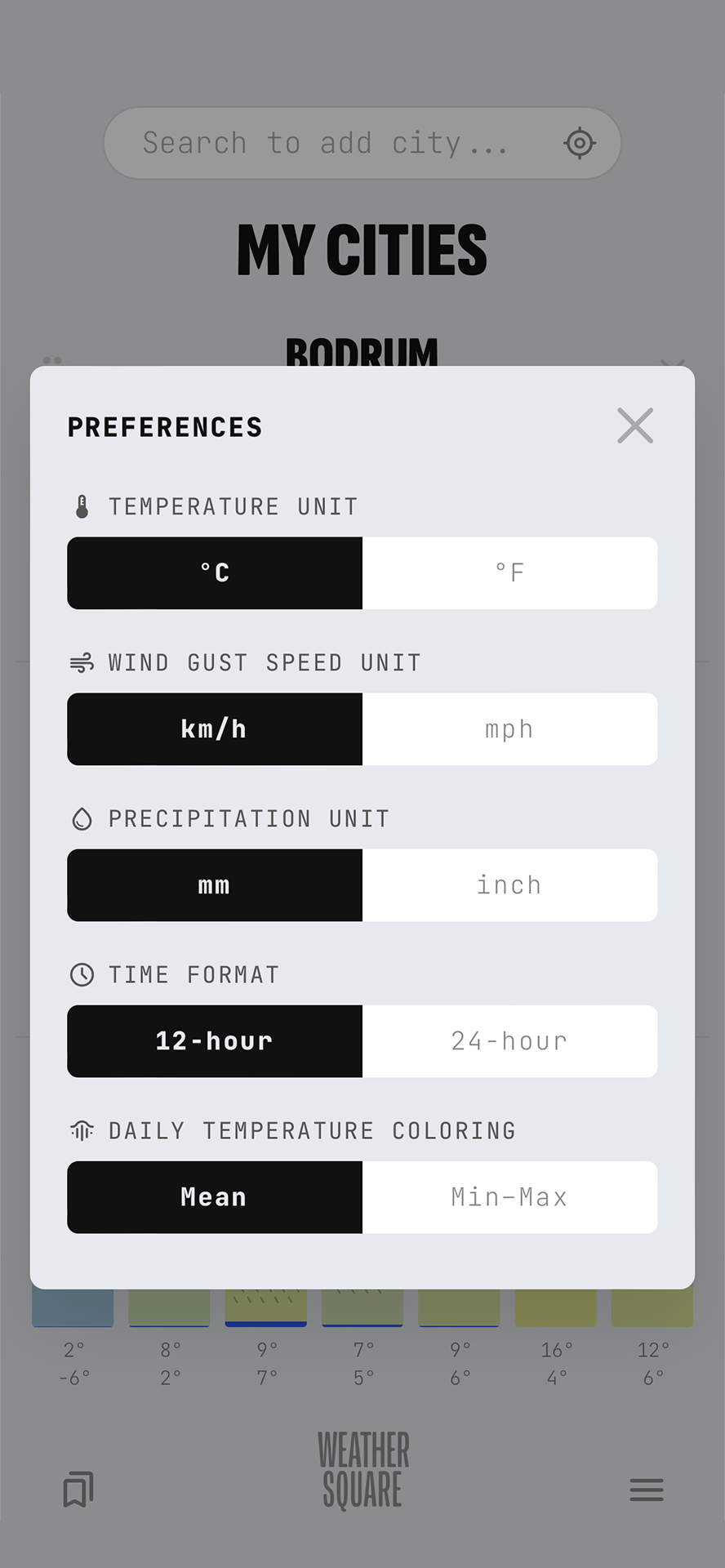
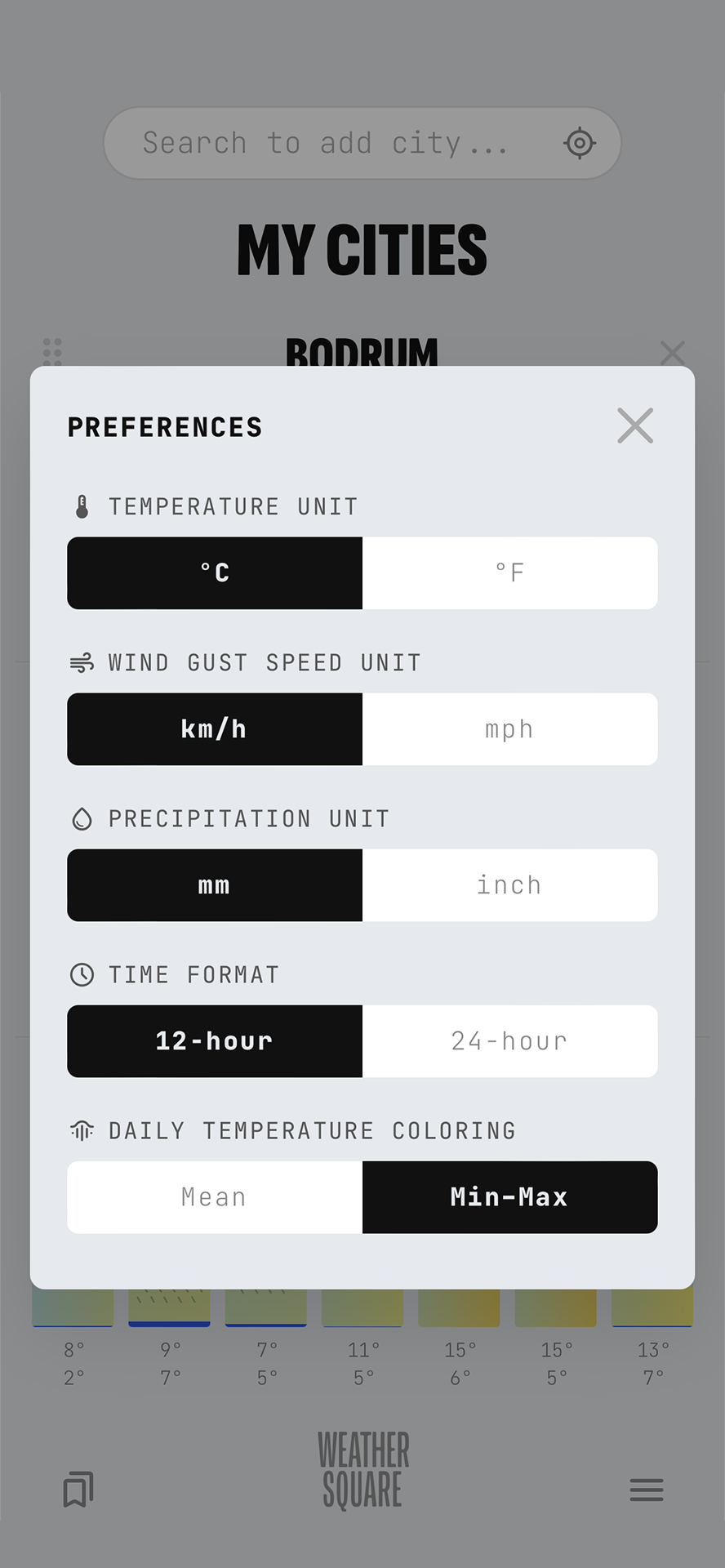
The Preferences panel allows you to toggle between units and time formats, or choose between distinct coloring modes for daily temperature displays (Mean or Min-Max Gradient).
Time format and coloring toggles are available in the Pro version.
A broader canvas properly designed for tablets in both portrait and landscape mode.
Download Weathersquare today and start enjoying beautiful, intuitive, informative weather visualization. No overload. No accounts. No tracking. No ads.
See in browser